The answer: no public number fits every Free account
ChatGPT Free can create images, but OpenAI does not currently publish one image count or image-specific reset schedule that applies to every Free account. That is the strongest public answer supported as of August 12, 2026.
OpenAI's ChatGPT Free Tier FAQ confirms that Free users can create images, that available limits may change, and that image creation has an applicable usage limit separate from the main chat limit. The checked FAQ does not promise “two per day,” “three per day,” or “2–3 every 24 hours.”
| Your question | What the current public evidence supports |
|---|---|
| Can I create images on ChatGPT Free? | Yes. OpenAI lists image creation as a Free feature. |
| How many can every Free account create? | The checked OpenAI FAQ publishes no universal count. |
| When does the image allowance reset? | The checked pages publish no universal image-specific reset window. |
| What shows my account's current state? | The applicable notice displayed in your signed-in ChatGPT session. |
A dated guide or another user's screenshot may describe a real experience, but it cannot establish your current allowance. Treat your own image-limit notice as account-level evidence—not as proof that every account receives the same quota or schedule.
If image generation stops, follow the notice
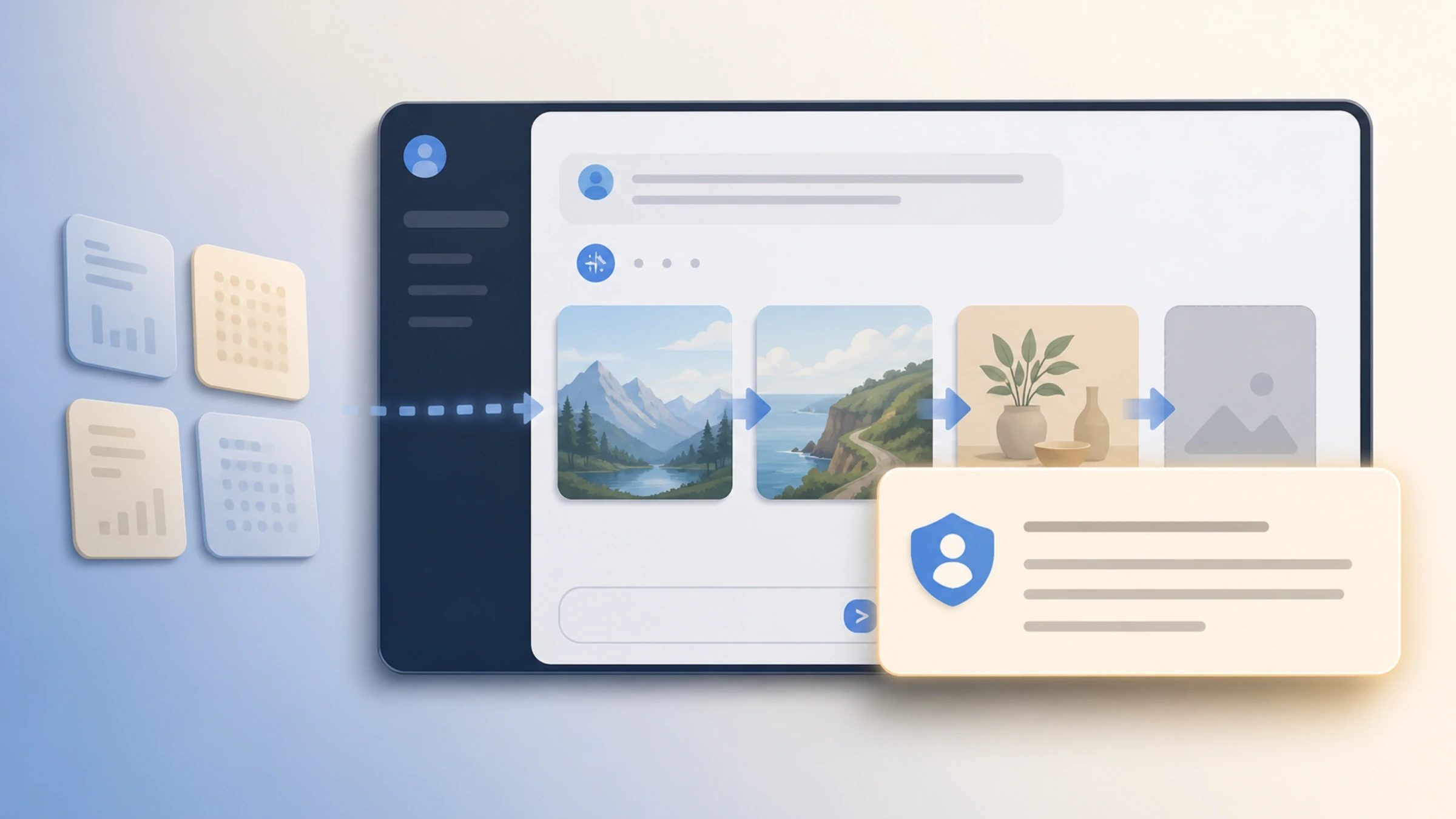
OpenAI says ChatGPT notifies Free users when they reach an applicable tool limit and that they must wait until later to use that tool again. Use the message you actually receive instead of calculating a reset from a search-result number:
- Identify the failed action. Confirm that ChatGPT was creating an image, not uploading a file, sending a text prompt, or invoking a GPT/model limit.
- Read the complete signed-in notice. Look for wording tied to image creation rather than relying on a snippet or someone else's screenshot.
- Use a return time only if that notice provides one. Do not substitute midnight, 24 hours, or a third-party estimate when the product shows something different—or no exact time.
- Try image creation again after the stated wait. A successful attempt confirms that access has returned for your account at that point; it does not reveal a universal quota.
The FAQ discusses reset timing for some GPT/model limits. That wording does not prove that the separate image-generation limit follows the same schedule or that every image notice displays a countdown. If your notice only says to try again later, the checked public documentation does not supply a reliable missing time.
Confirm that you reached the image-generation limit
One ChatGPT task can touch several usage surfaces. Attaching a reference image and then requesting a new image, for example, can involve both an upload and image generation. A number for one surface does not answer a limit question about another.
| What you are doing | The relevant boundary | What does not answer it |
|---|---|---|
| Asking ChatGPT Free to create a new image | The applicable image-generation limit and signed-in notice | An upload allowance or API rate limit |
| Attaching an image or file | The applicable upload or attachment limit | The number of images ChatGPT can create |
| Sending text prompts or using a GPT/model | The applicable main-chat or GPT/model limit | An image-generation estimate |
| Creating images through the OpenAI API | That API project's billing and rate limits | A ChatGPT Free notice |
| Using a paid ChatGPT plan | That plan's current access and account notices | A Free user's reported count |
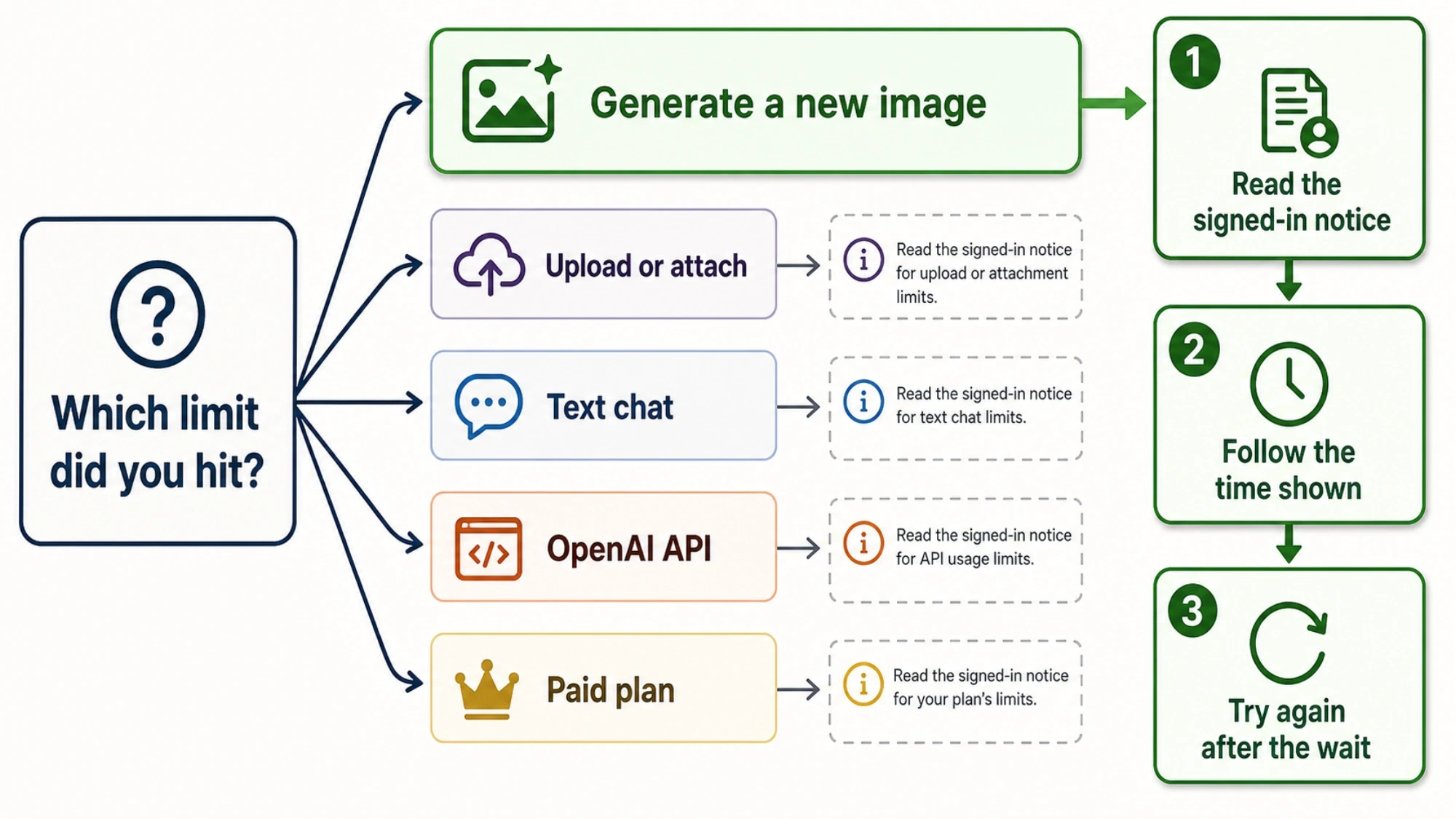
OpenAI identifies uploads and image creation as different tools and says applicable tool limits are separate from the main chat limit. This does not establish whether edits, retries, failed attempts, uploads, and new generations share one counting pool; the checked sources leave that relationship unknown.
The API is a separate product boundary too. OpenAI's ChatGPT Plus FAQ says API usage is not included in a ChatGPT subscription and is billed separately. An API workflow is therefore not an extension of the Free image allowance.
Why search results say 2, 3, or 2–3
Precise-looking answers can come from different dates, plans, products, account conditions, models, and publishers. Precision alone does not make a number current OpenAI policy.
For example, a third-party guide dated April 9, 2026 reports 2–3 images per rolling 24-hour window and says used slots renew separately. That is an attributed report of what one publisher told readers on that date. OpenAI's current Free Tier FAQ checked for this article confirms neither that count nor the per-slot reset mechanism.
| Source | What it can establish | What it cannot establish by itself |
|---|---|---|
| Current OpenAI help page | Official wording and current public product boundaries | A count or reset formula the page does not state |
| Dated third-party guide | What that publisher reported on that date | A universal current OpenAI rule |
| Forum or social post | One person's reported experience | Your account's allowance |
| Search snippet or AI summary | A lead worth checking | Full context, authority, or account applicability |
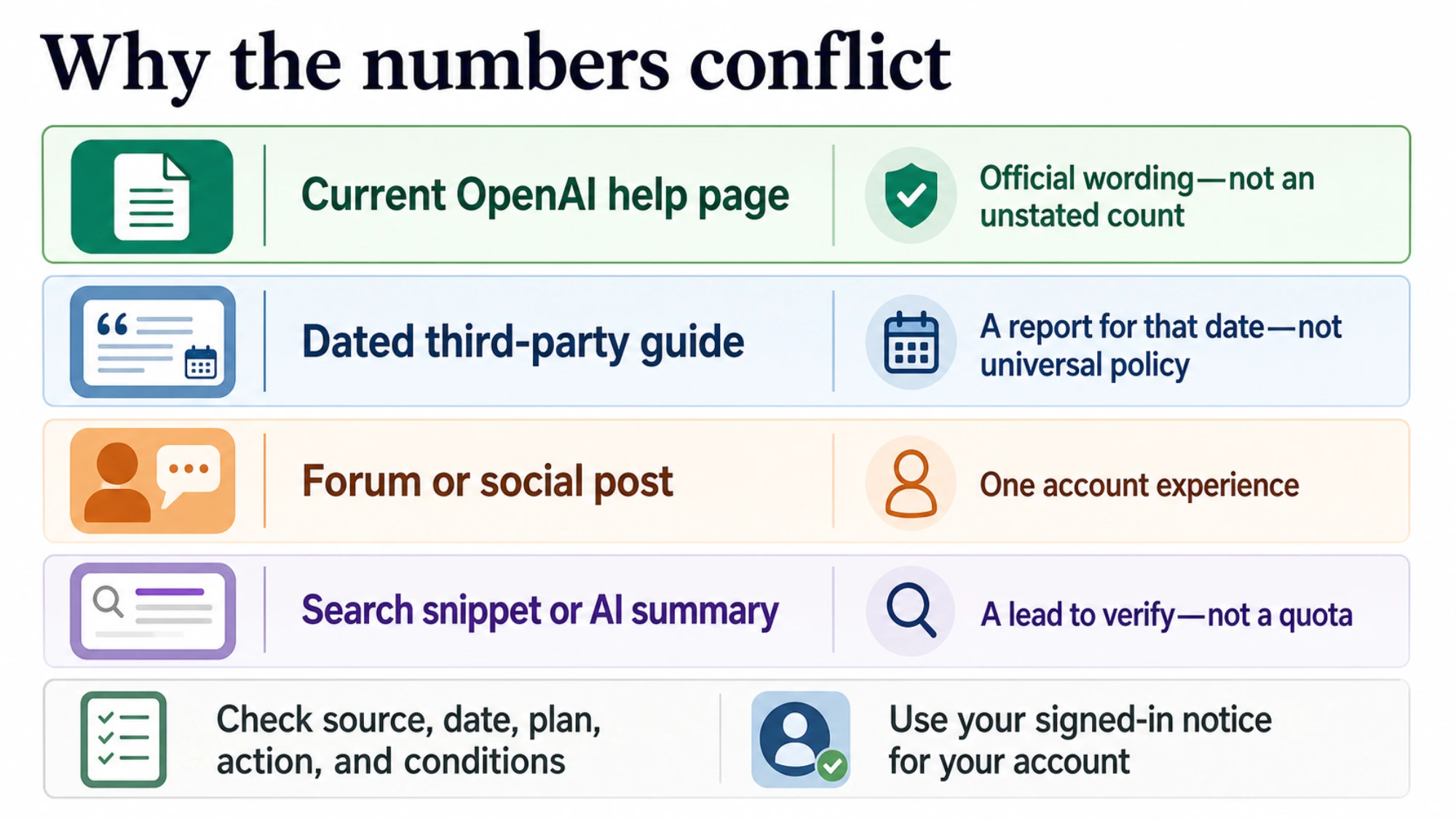
Before planning around a fixed number, check who published it, when it was checked, which plan and action it covered, and whether the account, model, and region conditions were documented. If those details are missing, the claim may explain what appears in search results, but it cannot reliably schedule your next attempt.
Use Free for flexible work, not promised batch capacity
The absence of a published universal quota does not mean image access is unlimited or random. It means Free can support a small, flexible task, but the public evidence cannot guarantee batch capacity.
| Your task | A defensible plan |
|---|---|
| One important image with no hard deadline | Prepare the prompt, try image creation, and follow any limit notice shown. |
| One required image plus optional variations | Generate the essential result first and leave time for access to pause. |
| A client delivery, batch, or repeatable production job | Do not promise volume from an unverified daily estimate; assess a current paid plan or separately budgeted API workflow. |
For a Free task, define the required subject, composition, aspect ratio, visible text, and exclusions before the first attempt. Generate the must-have result before optional variations, save successful output promptly, and leave schedule room for a limit notice. Specific revision instructions may make the work more efficient, but the checked evidence does not show that revisions consume less allowance.
Several boundaries remain public unknowns: a count for every Free account; a daily, rolling, midnight, or per-slot reset; a complete map by account, model, or region; a shared pool for generations, edits, retries, failed attempts, and uploads; and a promise that every image-limit notice displays an exact return time.
For a flexible one-off task, try ChatGPT Free and let the signed-in image notice govern the next step. For a deadline or repeatable batch, treat the unpublished quota as a capacity risk rather than assuming “three images per day.”