Yes, you can create an official Gemini API key and use the Gemini Developer API on the Free Tier when your chosen model and account are eligible. But there is no special “free key.” The key is a project-bound credential; free usage depends on the model, feature, tier, and limits active for that project.
That distinction is the fastest way to avoid the two common mistakes behind this search: treating key creation as proof of free capacity, or trusting an old “requests per day” number that may not apply to your model or account.
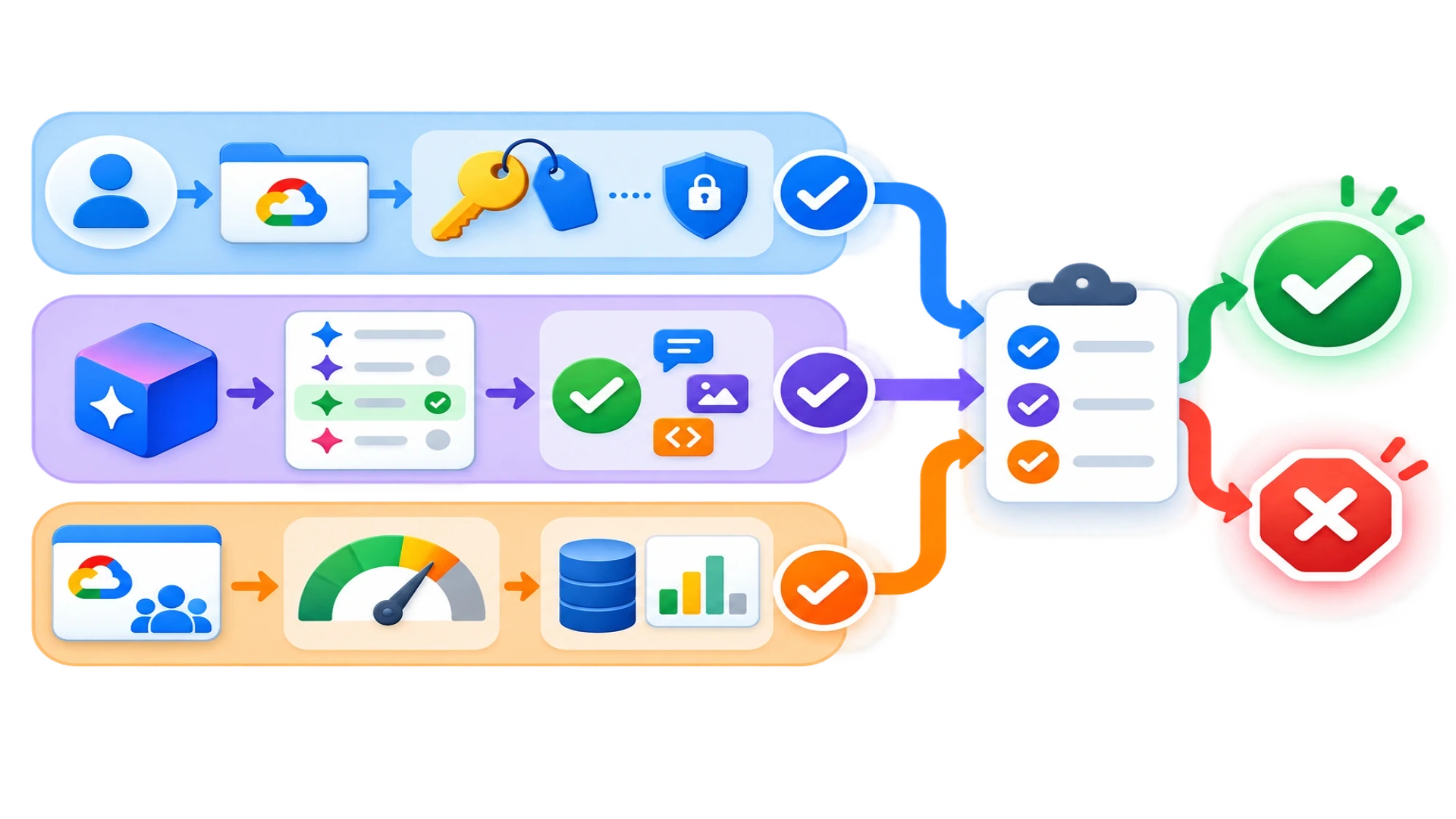
Use this five-check chain before building around the API:
- Confirm that Gemini API and Google AI Studio are available in your region.
- Check that the model and feature you intend to use appear on the current Free Tier.
- Create or select the Google Cloud project behind the key.
- Inspect that project's active rate limits in Google AI Studio.
- Store the key as a secret and run the current official quickstart.
The public documentation can establish that this route exists. It cannot prove your authenticated account's eligibility, quota, billing state, or request result; those must be verified inside your own account.
A free key, the Free Tier, and free capacity are different things
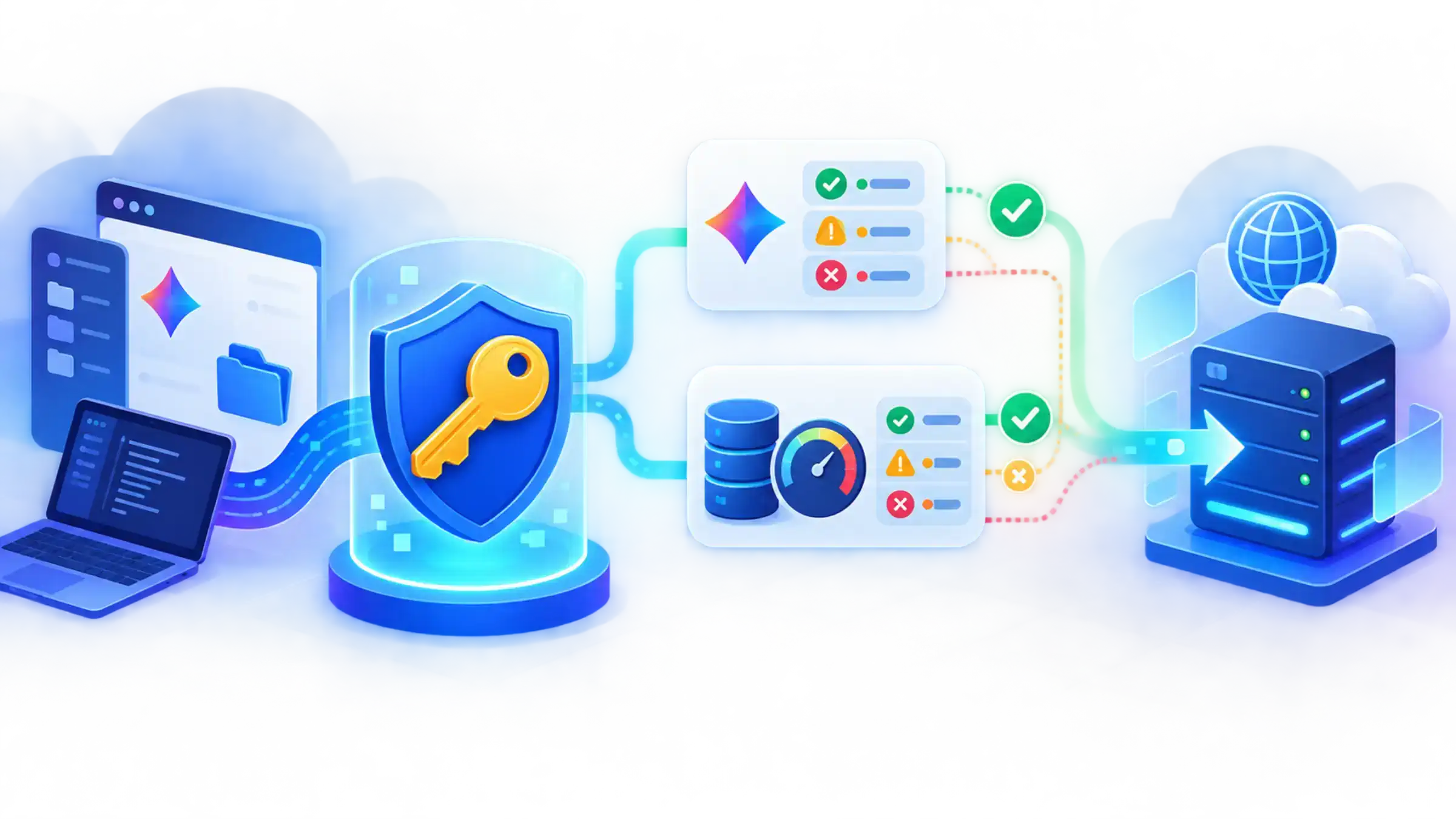
Google AI Studio is the official place to create and manage Gemini Developer API keys. Each key is associated with a Google Cloud project. Creating a key gives a request a way to authenticate; it does not assign a universal bundle of free calls to that key.
Three separate questions therefore need separate answers:
| Question | Where the answer comes from | What not to assume |
|---|---|---|
| Can I create a credential? | Google AI Studio API Keys and the API key documentation | A generated key does not prove the selected model is free. |
| Is my model or feature on the Free Tier? | The current Gemini Developer API pricing table | “Gemini API has a Free Tier” does not mean every model and feature is free. |
| How much can this project call now? | The project's live limit view and the rate-limit documentation | There is no single permanent free-call count for every account and model. |
This is why a third-party page offering an “unlimited Gemini API key” is not an equivalent answer. It may be selling a separate gateway or imposing its own terms, and it cannot change the limits Google applies to your Gemini Developer API project.
Verify the no-cost route before creating the key
Start with the parts that can stop the setup or change its cost.
Confirm regional availability
Check Google's current supported regions. The United States is listed as supported as of August 15, 2026, but country support alone does not guarantee that a specific account, model, feature, quota, or payment method is available.
If you are using a work or school Google account, project creation or API access may also depend on organization policy. Do not work around an administrator's restriction by moving a production secret into a personal account; resolve ownership and access first.
Choose the model from the current pricing table
Open the official pricing page and find the exact model or feature you plan to call. Treat its current model identifier as the source of truth for your code. Model names, availability, prices, and Free Tier eligibility can change, so this article deliberately does not hard-code a “best free model.”
Record four things before you continue:
- the exact model identifier;
- whether its required input and output modes are included on the Free Tier;
- any feature-specific exclusion that affects your use case;
- the content-handling terms for that tier.
That final item matters. Google's current pricing documentation distinguishes the tiers: content sent on the Free Tier may be used to improve Google products, while Paid Tier content is described as not used for product improvement. This is not a complete privacy or legal assessment. If prompts may contain customer data, source code, health information, or other sensitive material, review the current terms and your own obligations before sending it.
Do not count Cloud trial credit as Gemini API credit
If your plan is “use the Free Tier now and Cloud credit later,” check the current Gemini API billing documentation first. Google's documentation states that Cloud welcome or free-trial credit issued under its current post-March-2026 policy does not pay for Gemini API or AI Studio usage. Older account-specific credits may have different terms, so inspect the credit attached to your own billing account instead of assuming it will apply.
Moving to a paid tier requires Cloud Billing. The upgrade experience, payment options, prepay or postpay status, and minimum funding can vary by account and region. You do not need to guess about a blanket “credit card required” rule: the account UI is the authoritative check for your case.
Create the project-bound API key
Once the intended route still fits, open Google AI Studio's API Keys page and sign in. The current interface may offer an existing project, create a suitable project for an eligible new account, or let you import a Google Cloud project.
Choose project ownership deliberately. Because limits apply per project rather than per key, creating several keys in the same project does not create several independent Free Tier quotas. A project should also have a clear owner, lifecycle, and environment purpose; avoid attaching an experimental key to an unrelated production project merely because it is already visible.
After creating the key:
- Copy it once into your secret-storage workflow.
- Give it a name that identifies the project and environment without embedding the secret.
- Apply available key restrictions that match your deployment and key type.
- Delete or rotate the key if it has appeared in source control, a screenshot, a support ticket, or client-side code.
Google's key security guidance says to treat a Gemini API key like a password. Do not paste a real key into a public repository, documentation page, browser bundle, mobile application, or chat transcript.
For local development, load it into an environment variable. The placeholder below is intentional: if your shell saves commands, do not replace it inline with a real key. Use an ignored environment file or a secret-aware prompt instead.
bashexport GEMINI_API_KEY="replace-with-your-secret"
Add the relevant environment file to .gitignore before saving a key there. For a deployed application, keep the key in server-side secret storage and call Gemini from trusted backend code. Environment variables reduce accidental hard-coding, but they are not a complete production secret-management policy.
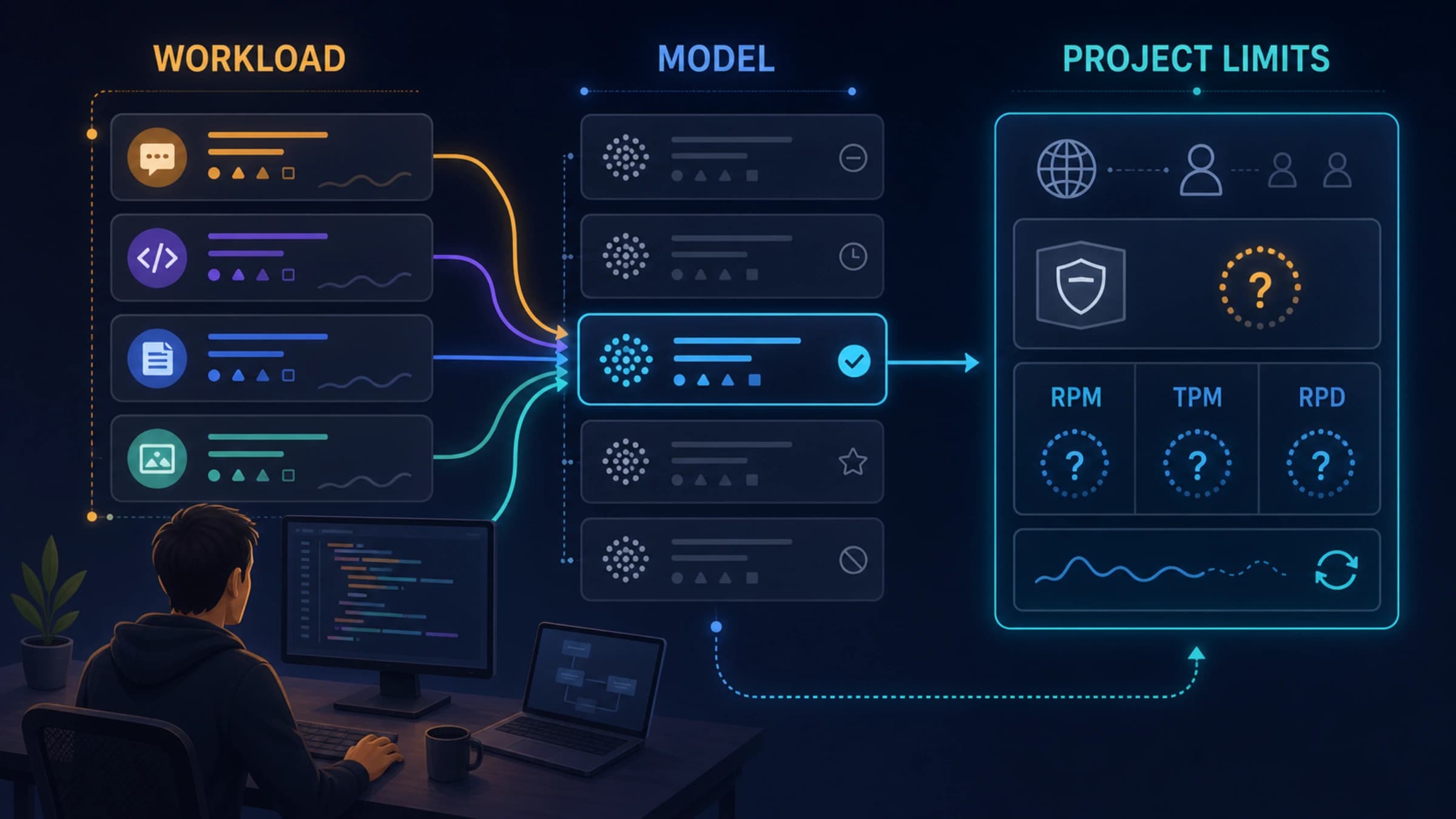
Inspect the limits that actually apply to your project
Open the active rate-limit view in Google AI Studio, then compare it with Google's rate-limit definitions. Limits can include:
- RPM — requests per minute;
- TPM — tokens per minute;
- RPD — requests per day.
Your request must fit every relevant dimension. Ten short requests may fit a token allowance that one very large prompt exceeds; a project can therefore hit a token limit even when its request count looks low. A daily allowance can also be exhausted even when the minute-level view appears quiet.
Use the displayed project-and-model values, not a number copied from an older tutorial. Published or displayed limits describe the applicable ceiling; they do not guarantee available capacity or a successful request at every moment.
A useful preflight note for your project is:
textModel ID:             [current identifier from official docs]
Free Tier eligible:   [yes/no for the needed feature]
Project:              [project name or ID, never the key]
Active RPM:           [value shown in AI Studio]
Active TPM:           [value shown in AI Studio]
Active RPD:           [value shown in AI Studio]
Billing attached:     [what the account UI shows]
Checked on:           [date and time]
This dated record is more useful than memorizing a global quota because it tells you what you actually evaluated when the code was written.
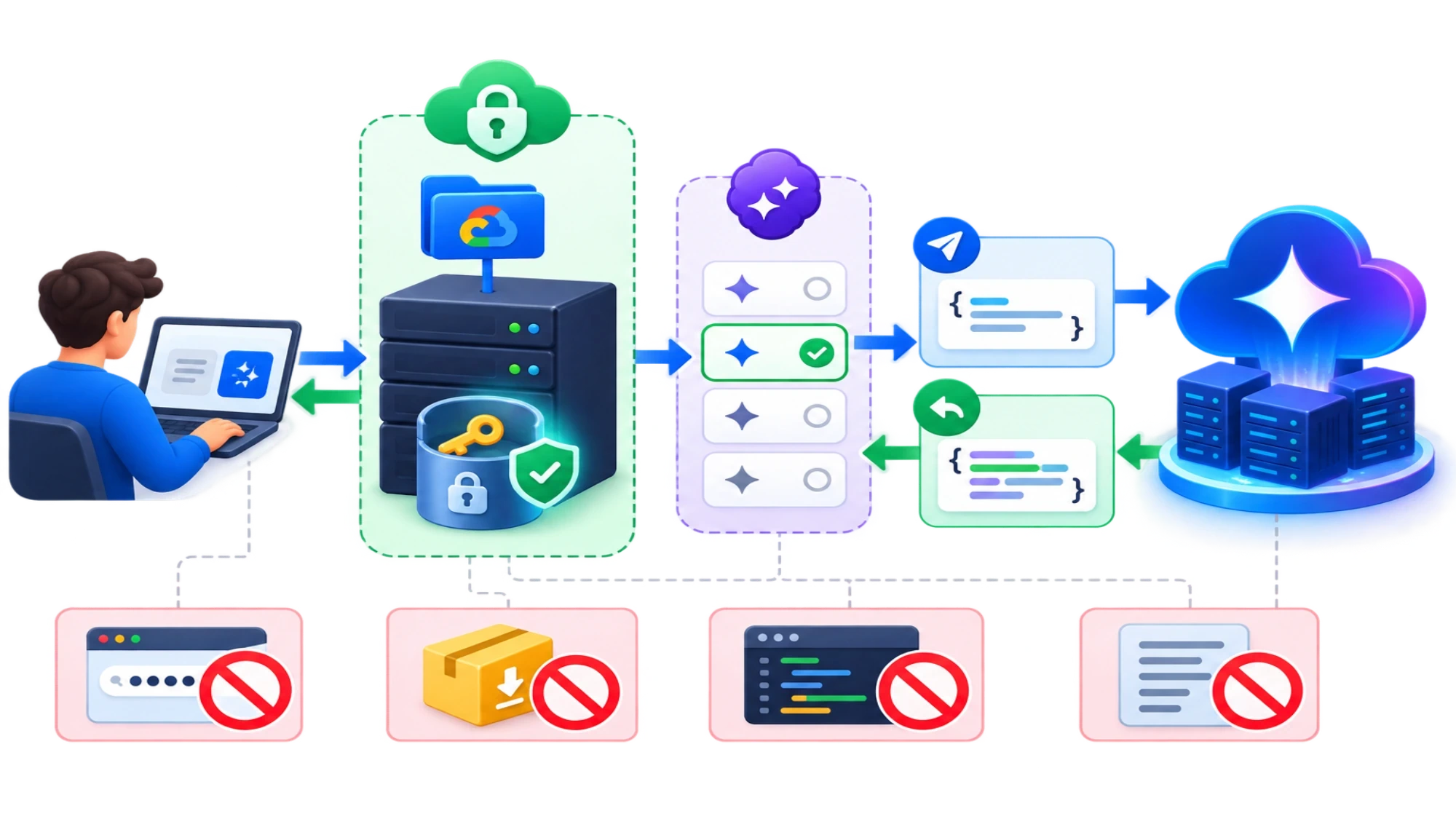
Run a first-call smoke test with the current model ID
Google's current Gemini API quickstart provides supported Python, JavaScript, and REST examples. Use that page for the current SDK package, sample syntax, and model identifier; all three can change.
For a minimal REST smoke test, put the model identifier you verified into a second environment variable:
bashexport GEMINI_MODEL="model-id-from-the-current-official-quickstart"
Then send a small, non-sensitive prompt to the native Gemini Developer API endpoint:
bashcurl "https://generativelanguage.googleapis.com/v1beta/models/${GEMINI_MODEL}:generateContent" \
  -H "x-goog-api-key: ${GEMINI_API_KEY}" \
  -H "Content-Type: application/json" \
  -X POST \
  -d '{
    "contents": [
      {
        "parts": [
          {"text": "Reply with the word ready."}
        ]
      }
    ]
  }'
Do not put the key in the URL, command history, sample output, or application logs. The placeholder model must be replaced with a model identifier currently supported for generateContent; a pricing-table label is not automatically a valid API identifier.
A successful JSON response verifies that this key, project, model, and request worked at that moment. It does not prove unlimited future capacity or that a different model is free.
Read a failed first call as a diagnostic signal
Avoid regenerating keys at random. First classify the failure by the check it invalidates.
| What you observe | What to check next |
|---|---|
| Authentication or permission error | Confirm that the environment variable is present, the key belongs to the intended project, restrictions allow this request, and the account has access. Never print the full key while debugging. |
| Model-not-found or unsupported-operation error | Copy the current API model identifier and supported method from the official quickstart or model documentation. Do not assume a display name is accepted by the endpoint. |
429 or resource-exhausted response | Inspect the project's active RPM, TPM, and RPD for that exact model and tier. Reduce concurrency or input size as appropriate; creating another key in the same project does not create another project quota. |
| Billing or tier message | Recheck model eligibility, the project's tier, and the account's billing UI. Do not assume Cloud trial credit covers Gemini API usage. |
| Region or access message | Recheck the supported-region page and any organization policy affecting the account. |
Capture the HTTP status, error code, model identifier, request timestamp, and project ID when troubleshooting. Redact the API key and any sensitive prompt content before sharing logs.
When the Free Tier is enough—and when to stop relying on it
The Free Tier is a reasonable fit for learning the API, validating integration code, and running a small prototype whose traffic and data handling fit the current terms. It is not an “unlimited free Gemini API,” and it should not be the only capacity plan for a workload that requires predictable throughput.
Reassess the route before production if any of these are true:
- the application cannot tolerate a lower or changing quota;
- prompts or outputs contain data that should not be processed under the Free Tier's current content-use terms;
- the required model or feature is not listed as Free Tier eligible;
- the account UI requires a billing setup you are not prepared to authorize;
- the workload needs monitoring, spend controls, or organizational ownership beyond an individual AI Studio experiment.
The reliable answer to “is a Gemini API key free?” is therefore not a fixed quota table. It is a check you can repeat: verify the model on the pricing page, verify the project in AI Studio, protect the key, and verify a first call. If all four checks pass for your account, you have evidence that the official no-cost route works for that specific setup—without pretending the credential itself is a promise of free or unlimited usage.