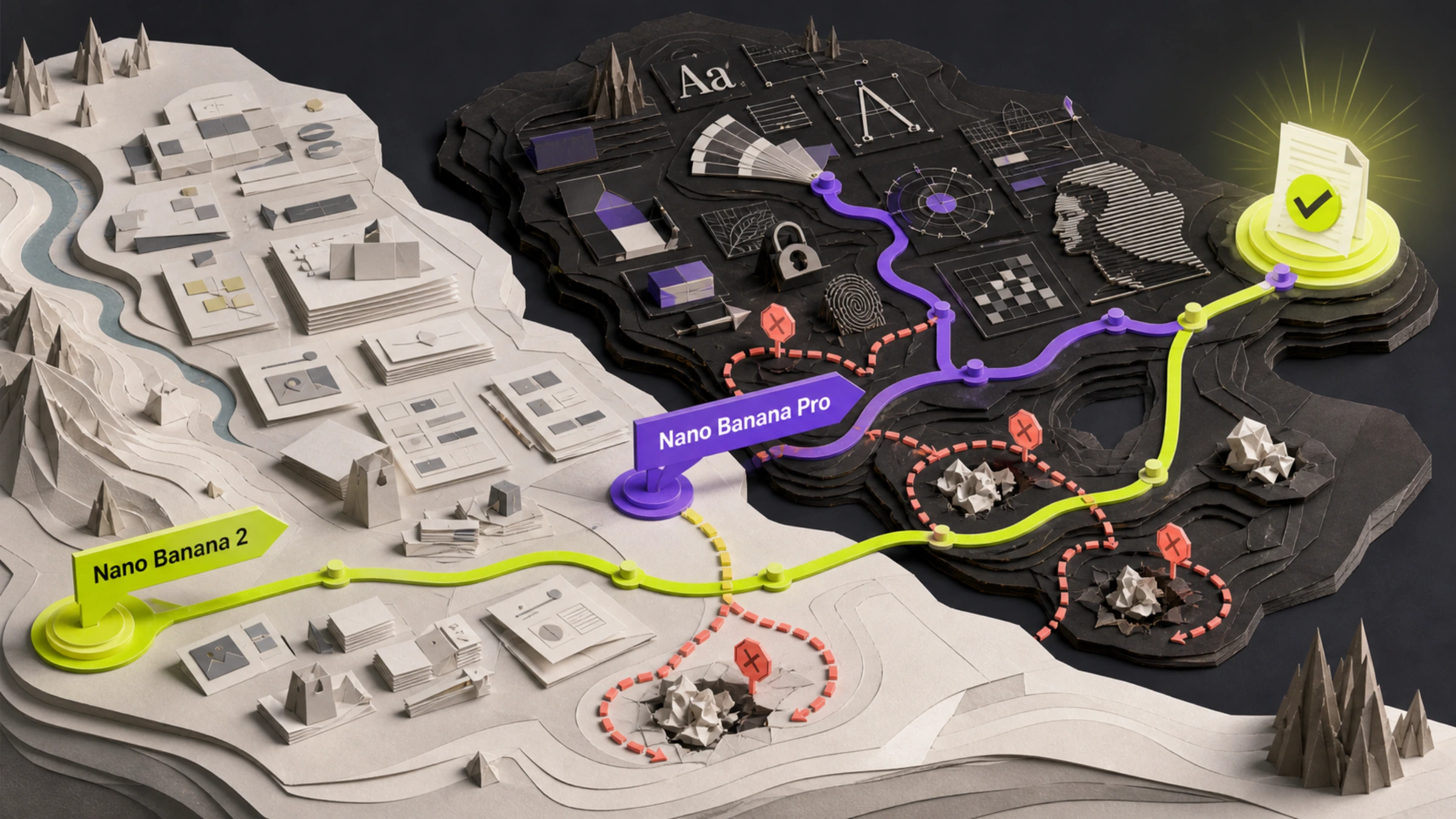
Nano Banana 2 is the better default for most routine image generation and editing. Nano Banana Pro is the better candidate when the asset is complex and a precision failure—wrong copy, damaged brand details, broken composition, or identity drift—would be expensive.
That is a starting choice, not a universal quality ranking. Google describes Nano Banana 2 as its versatile generalist and Nano Banana Pro as the premium option for the most complex professional visual tasks. Those are product roles, not a controlled benchmark. No independently reproducible test was verified that compares the current stable models on the same route, prompts, references, settings, repetitions, and acceptance rules.
Use this practical rule:
- Start with Nano Banana 2 for exploration, routine production, many variants, 0.5K output, or a queue where generation cost matters.
- Put Nano Banana Pro in the first test for exact typography, localization, dense factual graphics, tightly controlled brand assets, difficult compositions, or edits where one wrong detail blocks delivery.
- Do not commit either model across a production queue until it passes the same representative job on the route you will actually use.
The two models are different tools, not quality tiers
The current stable Gemini Developer API model IDs are:
| Product name | Stable model ID | Google's documented role |
|---|---|---|
| Nano Banana 2 | gemini-3.1-flash-image | Versatile generalist for image generation and editing |
| Nano Banana Pro | gemini-3-pro-image | Premium model for complex professional visual tasks and precision control |
Google's image-generation guide documents meaningful differences before subjective quality enters the discussion:
| Decision constraint | Nano Banana 2 | Nano Banana Pro |
|---|---|---|
| Output sizes | 0.5K, 1K, 2K, 4K | 1K, 2K, 4K |
| Google Search grounding | Supported | Supported |
| Google Image Search grounding | Supported | Not documented for Pro |
| High-fidelity object references | Up to 10 | Up to 6 |
| Character references | Up to 4 | Up to 5 |
| Style references | Not listed in the same Pro-specific profile | Up to 3 |
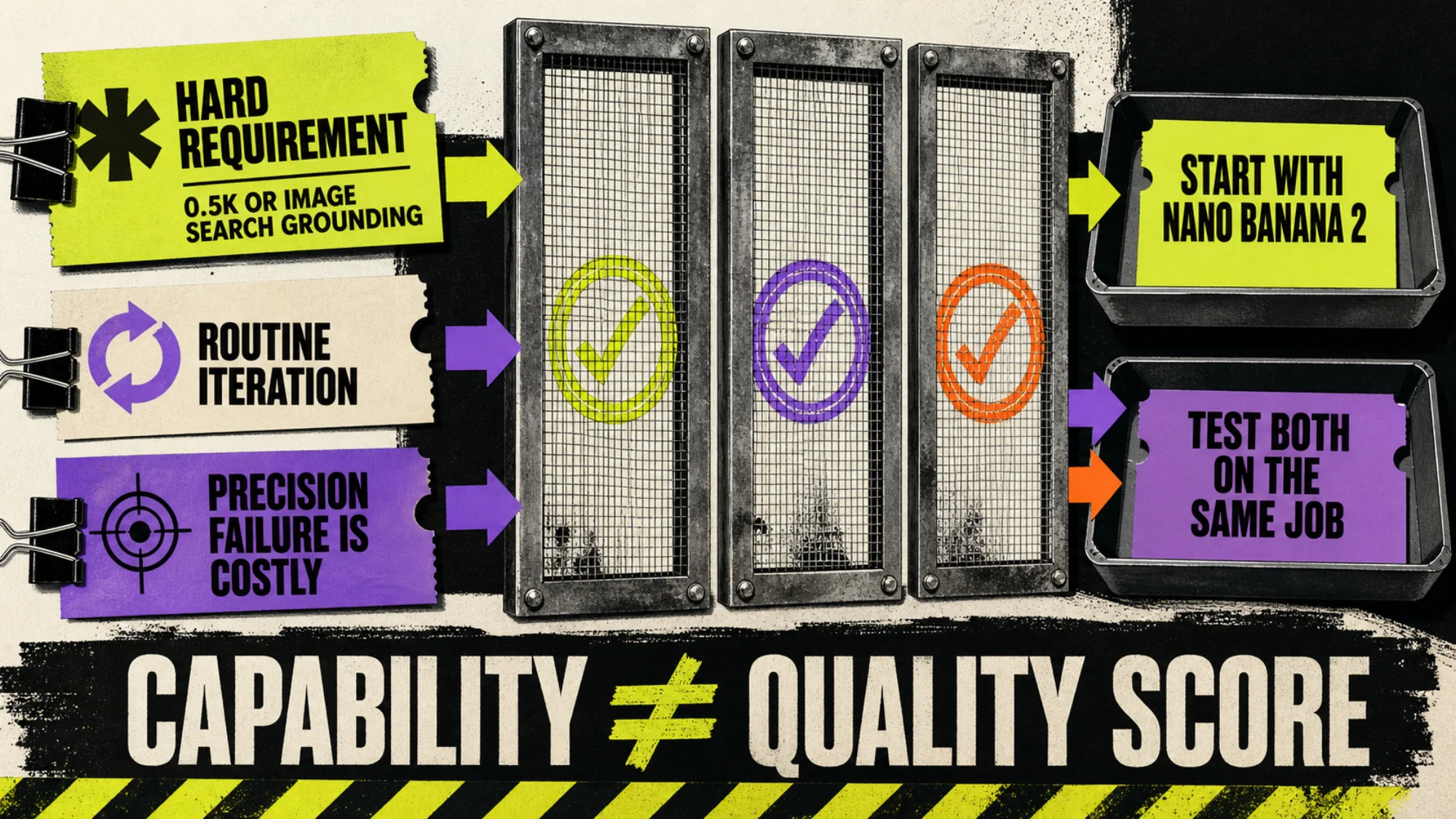
These are eligibility boundaries, not scores. Nano Banana 2 is the only candidate here if 0.5K output or Google Image Search grounding is a hard requirement. Pro may belong in the test when character count or explicit style-reference handling matches the brief. None of these rows proves which model will preserve your logo, spell your headline correctly, or produce the preferred composition more often.
Choose by the failure that would reject the asset
“Looks better” is too vague to guide a purchase. Name the failure that makes an output unusable, then choose the first candidate accordingly.
Start with Nano Banana 2 when iteration is the job
Nano Banana 2 is the sensible first candidate when you need:
- many concepts or variants before selecting a direction;
- a mix of output resolutions, including 0.5K;
- routine generation and editing rather than a precision-critical final asset;
- Search-grounded work, especially when Google Image Search grounding matters;
- lower listed image-output cost per attempt;
- fast human review where small defects can be repaired or discarded cheaply.
This does not mean Nano Banana 2 is always faster or more accurate. Those outcomes depend on the provider route, queue, settings, inputs, and task. It means its documented scope and lower direct image-output prices make it the lower-risk default when failures are cheap and iteration is valuable.
Test Nano Banana Pro immediately when precision is the acceptance gate
Pro deserves a place in the first test when the deliverable can be rejected for:
- a misspelled product name, price, label, or localized line of copy;
- a changed logo, package detail, material, face, or protected object;
- a broken spatial relationship in a complex scene;
- an inaccurate factual graphic;
- inconsistent brand treatment across a high-value campaign;
- repair work that costs more than the model premium.
Google's positioning gives you a reason to test Pro for those jobs. It does not give you a reason to skip the test. If Nano Banana 2 passes the same precision-heavy brief, paying more for Pro may add no value. If Pro does not reduce the rejection that matters, it has not earned the premium.
Compare current API prices at the required resolution
As of August 27, 2026, Google's standard Gemini Developer API pricing listed these image-output charges in USD:
| Output size | Nano Banana 2 | Nano Banana Pro | Difference per attempt |
|---|---|---|---|
| 0.5K | $0.045 | Not listed | — |
| 1K | $0.067 | $0.134 | $0.067 |
| 2K | $0.101 | $0.134 | $0.033 |
| 4K | $0.151 | $0.240 | $0.089 |
At 1K, Pro's listed image-output charge is twice Nano Banana 2's. The gap is smaller at 2K and larger again at 4K. Compare the row for the resolution you will deliver, not the cheapest headline price.
These figures are image-output list prices, not the full request bill. Input tokens, text or thinking output, grounding, failed generations, retries, taxes, currency conversion, provider markup, review time, and manual repair can change the real total. A third-party gateway's price and latency claims apply only to that route. They should not be carried over to Google AI Studio, the direct Gemini API, Vertex AI, or another provider.
The more useful metric is:
“API cost per accepted asset = total billed API spend ÷ outputs that pass the acceptance rules
Suppose Nano Banana 2 costs $0.067 per 1K attempt but only two of six attempts pass. Its image-output cost per accepted asset is $0.201 before other charges. If Pro needs two $0.134 attempts to produce one accepted asset, its corresponding figure is $0.268. Nano Banana 2 remains cheaper in that example—but a different acceptance rate can reverse the result. That is why per-image price alone cannot answer “which is better?”
Run one matched test before scaling
A useful comparison does not need to become a public leaderboard. It needs to represent the decision you are about to make.
1. Freeze one real deliverable
Choose a job from the actual queue: a copy-heavy launch graphic, a protected product edit, a recurring character scene, a factual visual, or a batch of 1K variants. Avoid a synthetic prompt chosen only because it makes one model look impressive.
2. Write pass and fail rules first
Replace “good quality” with observable conditions. For example:
- required copy is exact;
- logo geometry and package color remain unchanged;
- all named objects and spatial relationships are present;
- character identity remains recognizable;
- no prohibited object appears;
- output resolution and aspect ratio match delivery requirements;
- maximum repair time is five minutes.
3. Hold comparable inputs fixed
Use the same approved prompt, source images, aspect ratio, resolution, and safety-relevant constraints wherever both models support them. If a documented capability forces a difference, record it. Do not quietly optimize one prompt while leaving the other untouched.
4. Record the route, not just the product name
Save the provider, account region, requested model ID, returned model ID when exposed, output size, billed mode, settings, and timestamp. Google states that Nano Banana 2 and Pro reached general availability on May 28, 2026; their former preview endpoints were scheduled to shut down on June 25, 2026. Verify the live model list on your serving route instead of assuming an old preview name or a third-party alias still resolves.
5. Give both candidates the same budget
Use the same attempt limit or time budget, then preserve failures as well as successes. A disposable social variant and a high-risk packaging asset do not need the same sample size, but each candidate must face a fair version of the same job.
6. Review without moving the goalposts
Mark every output accepted or rejected against the frozen rules. Record the reason: copy error, identity drift, missing object, layout failure, refusal, route error, or excessive repair. If practical, hide the model label during review.
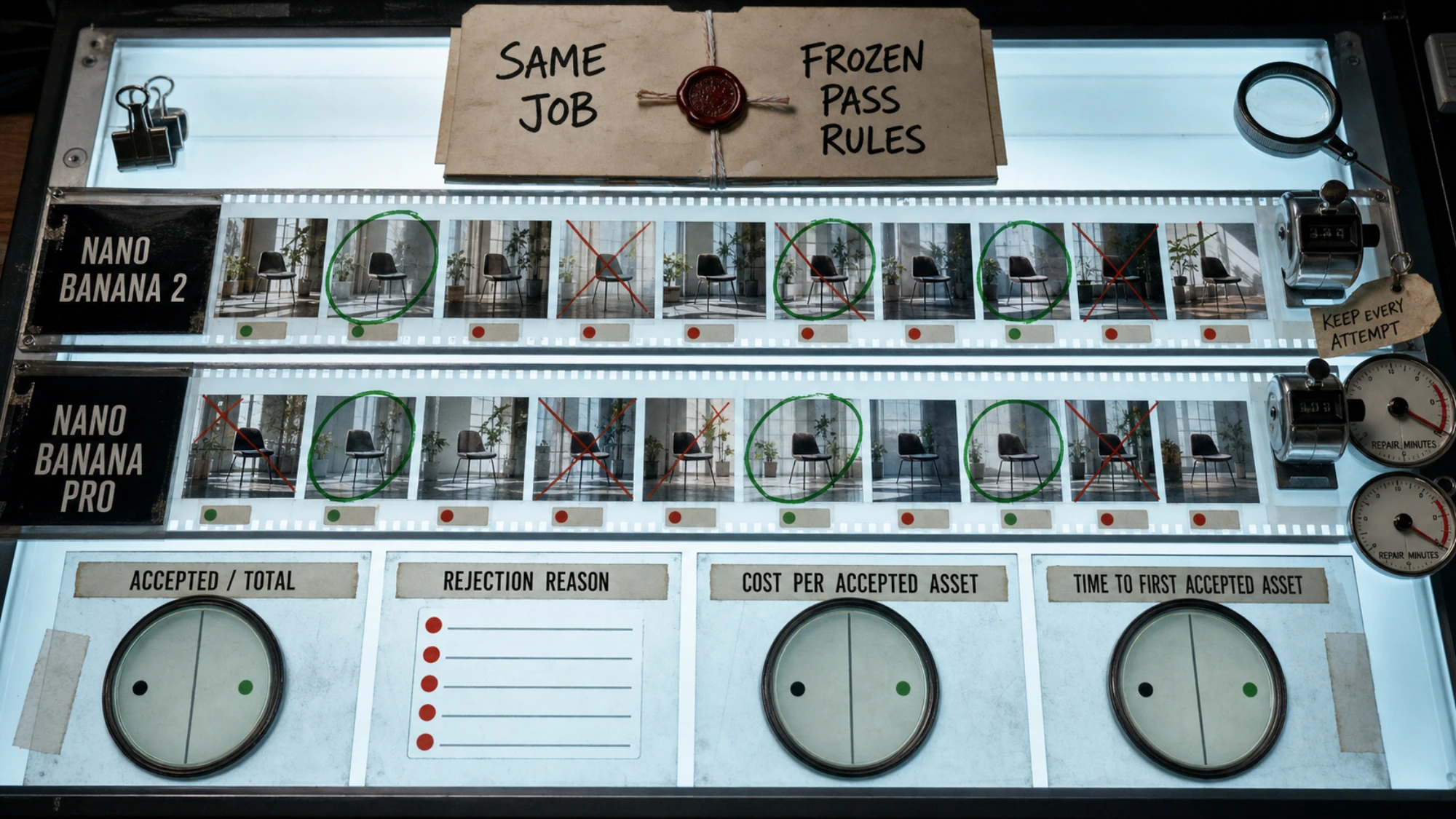
Track four results separately:
| Measure | What it tells you |
|---|---|
| Acceptance rate | How often the model reaches the delivery bar |
| API cost per accepted asset | Whether a low attempt price survives retries |
| Repair minutes per accepted asset | Whether defects shift cost to a person |
| Time to first accepted asset | How quickly the workflow reaches usable output |
If a model produces zero accepted assets, mark it as failing this workload under the tested budget. Do not hide the failure behind a low per-attempt price.
Check access and billing on the surface you will use
The United States appeared on Google's current supported-region list for Google AI Studio and the Gemini API. Region support still does not guarantee that a specific account has the model, quota, billing eligibility, or organizational permission it needs.
Consumer Gemini app limits are a separate question. Public developer pricing does not establish a consumer plan's quota, model selector, taxes, promotions, or total payment. Before budgeting a real queue, confirm all of the following in the actual account and serving surface:
- Both stable model IDs are available.
- The required resolution and reference workflow work on that route.
- Current quota, rate limits, billing mode, and provider markup are acceptable.
- The response metadata and invoice can be tied to the intended model.
So, is Nano Banana 2 better than Pro?
For most routine and high-volume workloads, Nano Banana 2 is the better default. For complex, precision-sensitive assets where one defect is costly, Nano Banana Pro is the better model to test alongside it.
Do not turn that conditional choice into a universal winner. First eliminate a model with hard requirements such as 0.5K output or a route-specific capability. Then run one matched job and choose the model with the better path to an accepted asset—not the stronger product label, the prettier single example, or the lower price for a rejected image.