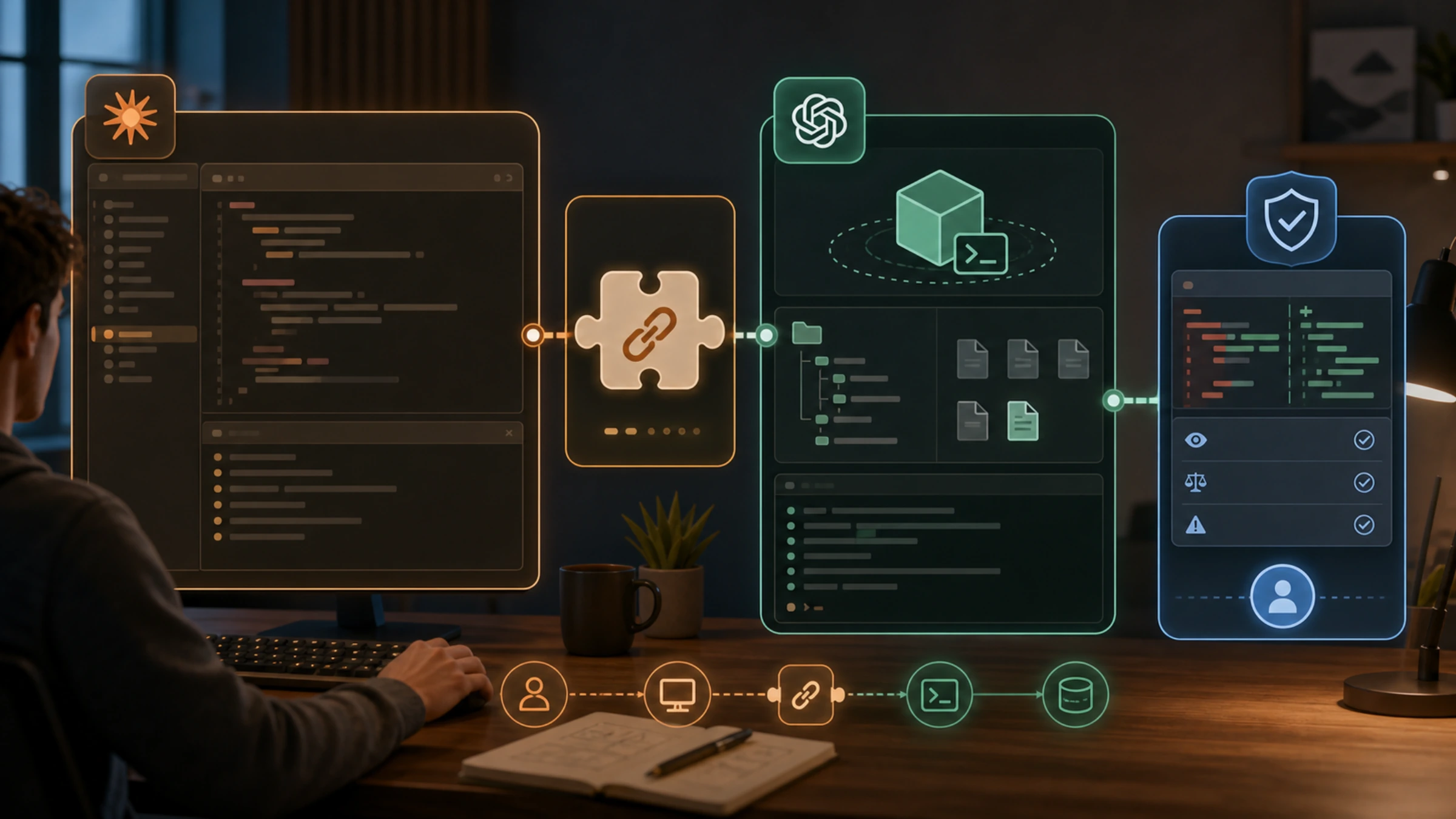
Yes—OpenAI maintains a Codex plugin for Claude Code that lets you call Codex from an existing Claude Code session. The direction matters: this is Codex running as a plugin inside Claude Code, not an extension installed inside Codex and not an MCP server.
The official source is openai/codex-plugin-cc. Its documented setup is short, but a safe setup takes more than copying four commands. You should also verify the repository, confirm the local Codex runtime and account prerequisites, understand what the install changes, and decide whether your first action should only review code or may delegate work.
If you want the lowest-risk proof that the integration is working, install from the OpenAI repository, complete setup, and start with /codex:review. OpenAI documents that review command as read-only. Treat delegation commands and the optional review gate as a later step, after you understand the repository, permissions, and usage implications.
Confirm that you have the right plugin
Search results for “Claude Code Codex plugin” include unofficial forks, similarly named projects, tutorials, and reverse-direction integrations. Use the ownership and command namespace to orient yourself:
- The repository should be
github.com/openai/codex-plugin-cc. - The marketplace source used by the documented command is
openai/codex-plugin-cc. - The installed plugin name is
codex@openai-codex. - Its user-facing commands use the
/codex:namespace.
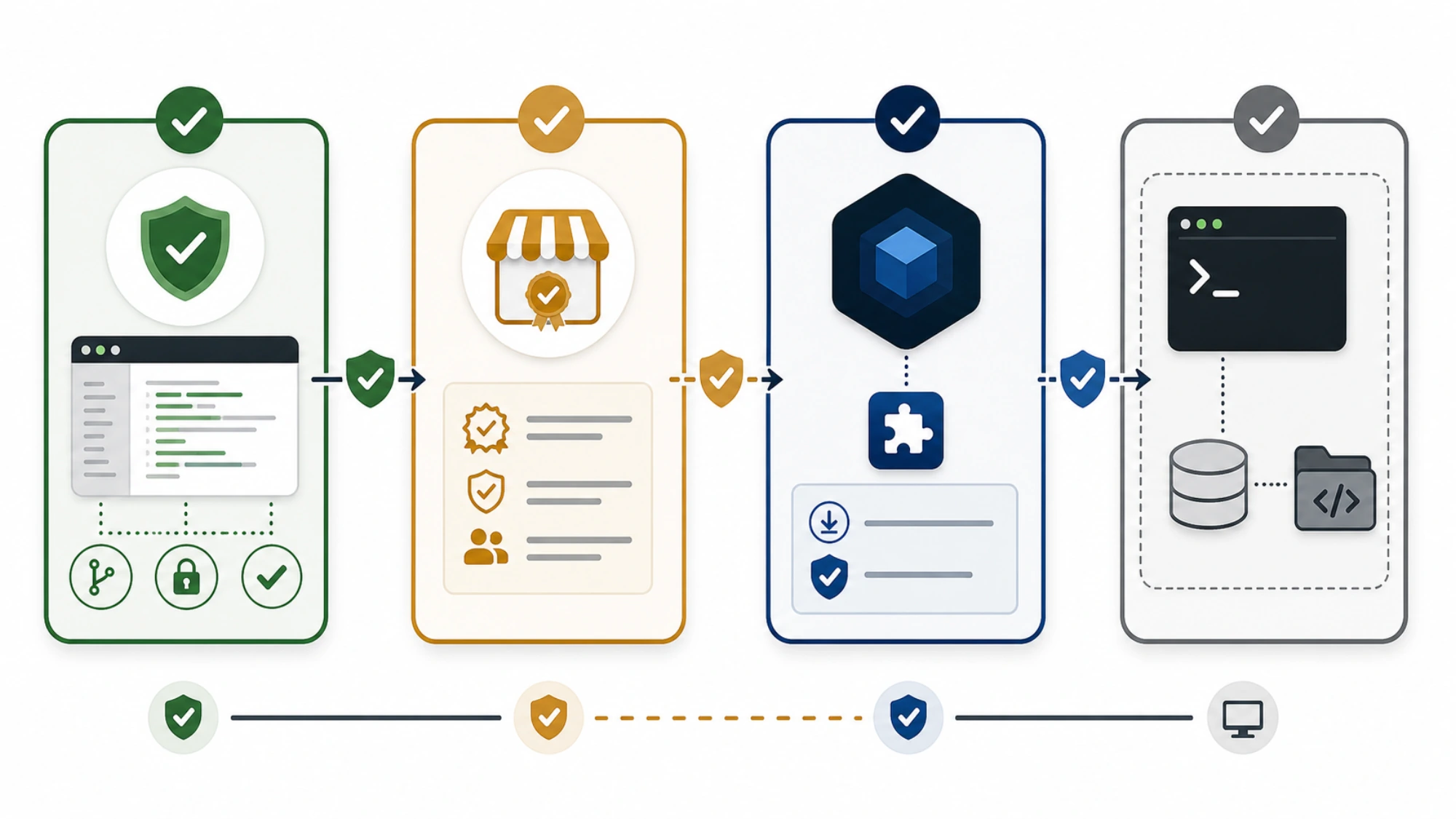
OpenAI maintaining the repository does not mean Anthropic includes or certifies it in an official marketplace. Claude Code treats a marketplace registration and an individual plugin installation as separate actions. Anthropic also warns that plugins and marketplaces are high-trust components: they can run code with your user permissions. Read the source and use the exact repository owner before adding it.
This integration does not create a separate hosted Codex environment. According to the OpenAI repository, the plugin wraps the local Codex app server and uses the globally installed Codex CLI. It therefore shares your local authentication, repository checkout, machine environment, and Codex configuration. Installing it does not bypass repository trust, workspace policy, provider configuration, or usage limits.
Preflight Node.js, Codex access, and repository trust
The current OpenAI README lists two core requirements:
- Node.js 18.18 or later.
- Access to Codex through a ChatGPT subscription, including Free, or an OpenAI API key.
The plugin uses the globally installed Codex CLI, so confirm that the local commands resolve in the same machine environment where Claude Code runs:
bashnode --version
codex --version
The first result should report Node.js 18.18 or newer. The second should establish that a Codex CLI executable is available; it does not prove that authentication, workspace policy, or remaining usage will allow a task.
Before installation, answer these local questions:
| Check | What it prevents | What public documentation cannot confirm for you |
|---|---|---|
The repository owner is openai | Installing a mirror or similarly named alternative | Whether your organization allows external marketplaces |
| Node.js is at least 18.18 | Starting with an unsupported documented runtime | Compatibility with every Node.js distribution or OS |
| The Codex CLI resolves locally | Installing a wrapper with no local Codex executable | Whether your authentication is valid in this session |
| You have a supported Codex access path | Assuming the plugin itself supplies model access | Regional eligibility, workspace permission, or remaining usage |
| The current repository is safe to expose to the tools | Running a high-trust plugin in the wrong checkout | Your project's own secrets, policy, and approval boundary |
OpenAI's public pricing documentation says Codex is available with listed ChatGPT plans or through an API key, but that is not a quote for this workflow. Actual availability and usage depend on the account, plan, model, task complexity, context, and workspace. Claude Code costs, Codex costs or limits, taxes, and regional terms are separate variables that you need to check in your own accounts.
One important unknown remains: the reviewed OpenAI README does not state an exact minimum Claude Code version. Do not turn the absence of a version line into a compatibility guarantee. If plugin commands are missing or behave differently, compare your installed Claude Code version with the current OpenAI README and Anthropic's current plugin documentation.
Run the documented installation sequence
Enter these commands inside Claude Code, in order:
text/plugin marketplace add openai/codex-plugin-cc
/plugin install codex@openai-codex
/reload-plugins
/codex:setup
Each line has a different job.
/plugin marketplace add openai/codex-plugin-cc registers the OpenAI repository as a marketplace source. It does not, by itself, install the Codex plugin.
/plugin install codex@openai-codex installs the named plugin from that marketplace. Keeping the full qualified name reduces ambiguity with similarly named packages.
/reload-plugins tells Claude Code to reload installed plugins. This matters because a newly installed command namespace may not be available in the already-running session until plugins reload.
/codex:setup starts the plugin's setup flow. Because the plugin reuses your local Codex environment, setup should be understood as connecting Claude Code to that environment—not as provisioning a separate runtime or granting unlimited Codex access.
Do not paste all four lines and call the installation verified. Pause after each transition:
- After adding the marketplace, confirm Claude Code accepted the exact OpenAI source rather than a typo or mirror.
- After installing, confirm Claude Code reports the qualified plugin you intended to add.
- After reloading, confirm the
/codex:namespace is available before starting setup. - During setup, read any authentication, repository, provider, or permission message in the context of your local Codex configuration.
The commands above are the current first-party documented path as checked on August 15, 2026. They were not executed for this article, so this guide cannot promise identical output or successful installation in your operating system, Claude Code version, network, workspace policy, authentication state, or custom provider configuration.
Prove the connection with a read-only review
Once setup is complete, the safest first functional check is a task whose action boundary is easy to understand. OpenAI documents these two commands as read-only review actions:
text/codex:review
/codex:adversarial-review
Start with /codex:review in a repository you recognize. The purpose of this first run is not to prove that Codex is universally “better” or that the integration works in every environment. It is to verify a narrower chain:
- Claude Code recognizes the installed command.
- The plugin can reach the local Codex runtime.
- Codex can use the intended local authentication and repository context.
- The response stays within the documented review boundary.
Read-only does not mean zero exposure. The tool still operates in your local repository and machine context, and model usage may count against Codex limits. Check the repository, staged secrets, generated files, and organizational policy before invoking any AI review tool.
/codex:adversarial-review is also documented as read-only, but it serves a different review posture. It is better treated as a deliberate second check once the normal review path works and you understand how findings are returned.
No first-party evidence in the reviewed sources supports a universal accuracy multiplier, speed multiplier, or guaranteed quality gain. Use the first review to validate the integration path and inspect useful findings—not to reproduce marketing claims such as “2x” or “10x better.”
Set a permission boundary before delegation
The plugin is not limited to comments on code. OpenAI also documents commands for rescue, transfer, status, result, and cancel operations. Those capabilities support task delegation, session handoff, and background-job management.
That creates a practical boundary:
- Review asks Codex to inspect and report without making the delegated code changes described by the modifying workflows.
- Delegation can give Codex a task to carry out in the shared local repository and machine environment.
- Background management can leave work running beyond the immediate command-response moment.
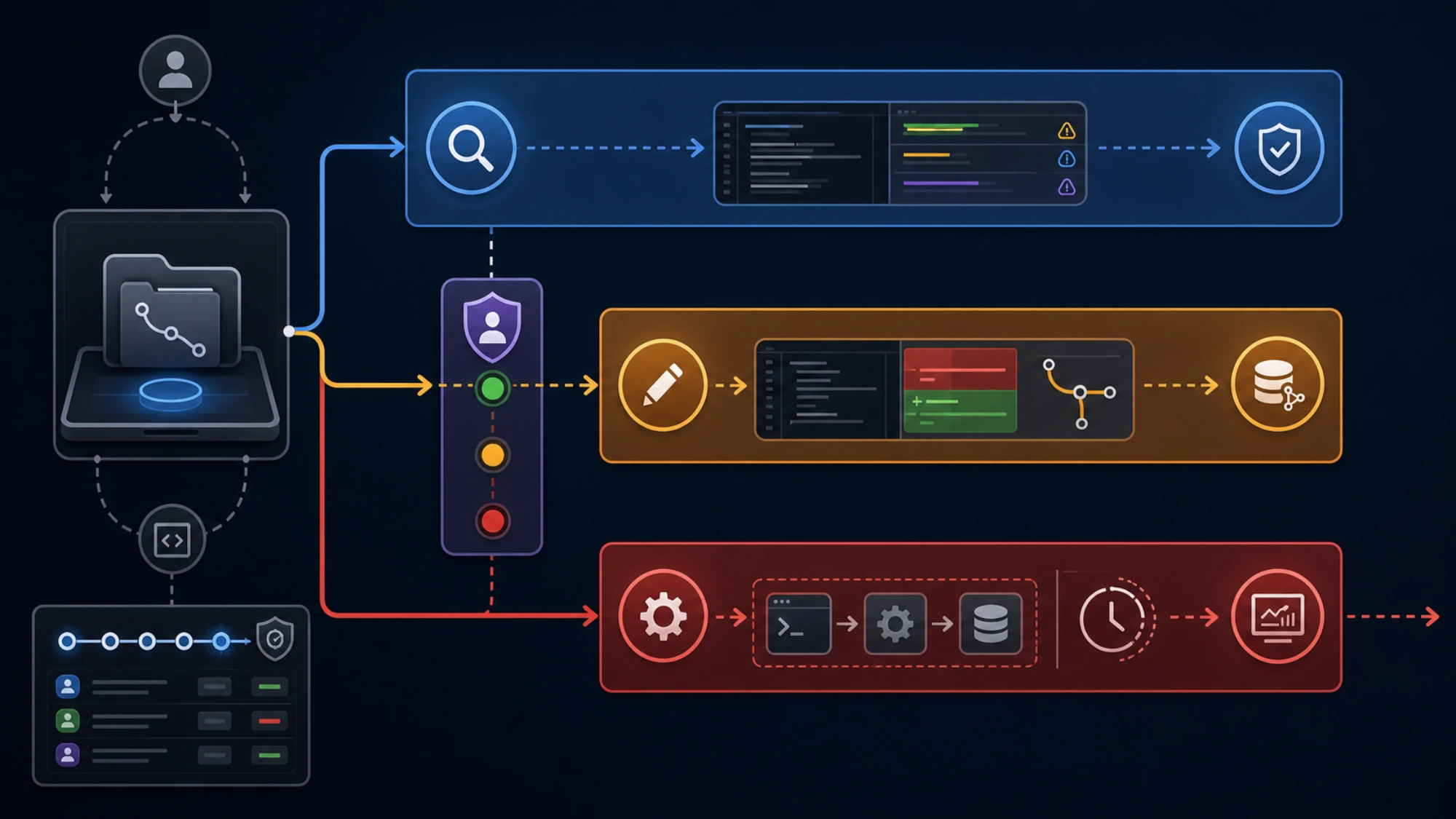
Do not infer that every /codex: command is read-only because /codex:review is. Before using rescue or transfer workflows, decide what files may change, whether Git state is clean enough to make changes auditable, what commands may run, and how you will inspect the result. Use status, result, and cancel controls as operational tools, not as a substitute for setting the initial permission boundary.
The repository also describes an optional review gate. OpenAI explicitly warns that this can create a long-running Claude/Codex loop and quickly consume usage limits. Enable it only for a session you will actively monitor. There is no fixed public estimate for how long such a loop will run or how much quota it will use; those outcomes depend on the model, context, task, and findings.
Diagnose the failed checkpoint, not the whole integration
When setup fails, locate the first checkpoint that did not complete. That gives you a more useful next action than repeatedly reinstalling everything.
| What you observe | Check next | Avoid assuming |
|---|---|---|
| Marketplace registration fails | Exact repository spelling, network access, and workspace marketplace policy | That an unofficial mirror is an equivalent fallback |
| Marketplace was added but installation fails | Qualified name codex@openai-codex and current Claude Code plugin support | That registering a marketplace installed its plugins |
Installation succeeds but /codex: commands are absent | Run /reload-plugins, then consult current Claude Code plugin diagnostics | That setup completed merely because files were installed |
/codex:setup cannot reach Codex | Global Codex CLI, local authentication, environment path, and custom provider configuration | That the plugin supplies a separate login or runtime |
| Review starts but usage is unavailable | Your Codex plan, workspace permission, regional availability, and remaining usage | That a listed eligible plan guarantees task capacity |
| Behavior differs across machines | Claude Code version, OS, Node.js environment, policy, and Codex configuration | That the public README is a tested compatibility matrix |
Use the current OpenAI plugin repository, Codex CLI documentation, and Anthropic plugin documentation as the primary references. Issues and community reports can reveal symptoms, but they should not silently replace the current setup contract or establish compatibility for your environment.
A safe first session has a narrow success condition
You do not need to delegate a coding task to prove the plugin is useful. A defensible first session can stop after five results:
- You verified the OpenAI-owned repository.
- Node.js meets the documented version requirement and the Codex CLI resolves locally.
- Claude Code accepted the marketplace, plugin, reload, and setup sequence.
/codex:reviewran in the intended repository as a read-only review action.- You inspected the result and your Codex usage before enabling any modifying or long-running workflow.
That sequence answers the real question behind “Claude Code Codex plugin”: yes, OpenAI provides a current plugin for using Codex inside Claude Code, and there is a documented installation path. Whether it will work in your exact environment—and whether delegation is appropriate—still depends on local versions, authentication, workspace policy, repository trust, permissions, and usage. Verify those boundaries first, then expand from review to delegation only when the task warrants it.